Android 16 Adaptive Charging & Battery Health: Complete Guide
Android 16 Adaptive Charging & Battery Health: Complete Guide
Chemical degradation in lithium-ion cells is one of the main factors limiting a smartphone’s usable lifespan. With Android 16, Google and device manufacturers have built native diagnostic tools and intelligent charging controls to minimize thermal stress and keep battery health high over years of ownership.
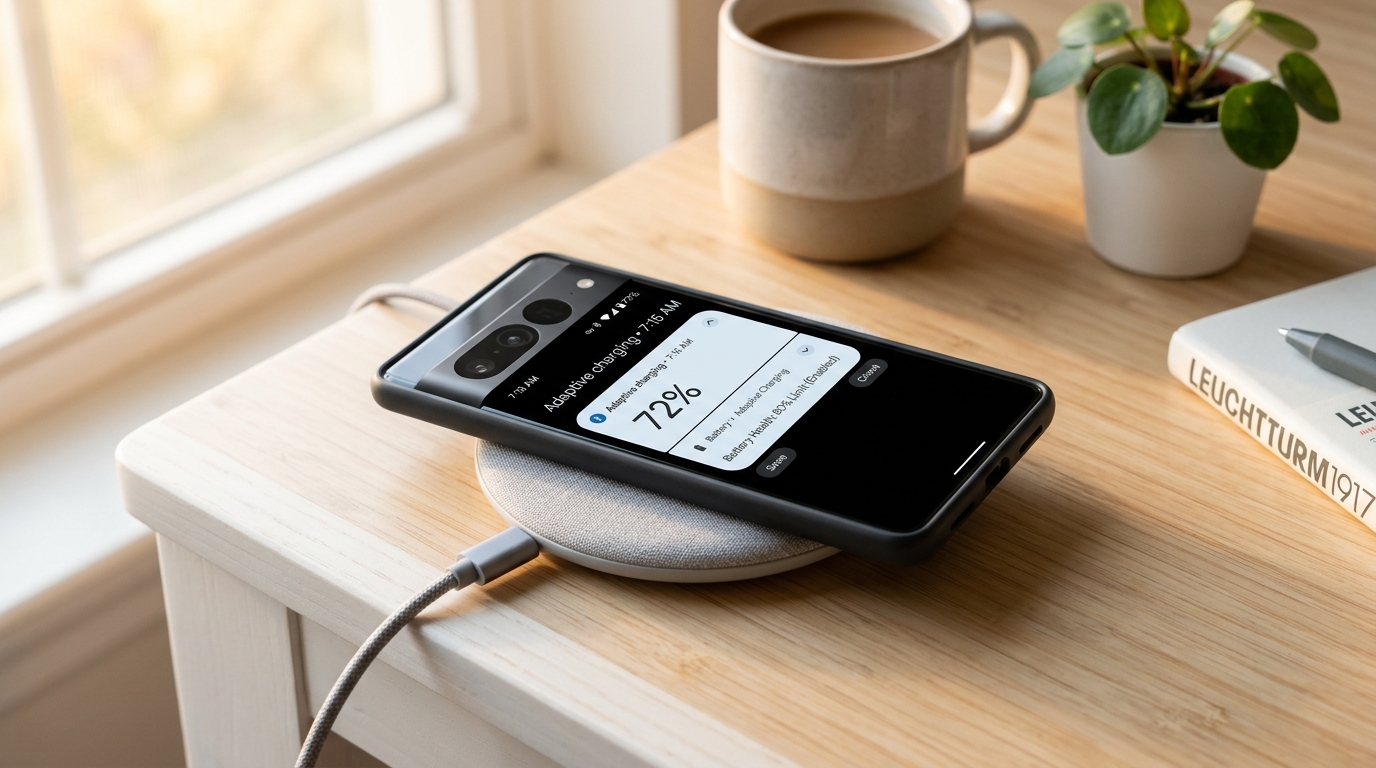
Smart adaptive wireless charging in Android 16
Key features to protect battery longevity
- 80% Hard Charge Limit: Stops charging as soon as the battery reaches 80%, avoiding overnight exposure to maximum voltage and high ambient heat.
- Contextual Adaptive Charging: Uses set alarms and daily routines to pause charging at 80% and top off the remaining 20% right before you typically disconnect your device.
- Native Health Dashboard & Cycle Counter: Accurately displays actual remaining battery capacity compared to factory specifications along with historical charge cycles.
Step-by-step setup guide
To configure these battery protection features on your smartphone:
- Open Settings and tap Battery.
- Select Charging & Battery Health (or Battery Protection, depending on your manufacturer UI).
- Choose the mode that fits your routine:
- Adaptive / Smart Charging: Ideal if you have predictable sleep schedules and set morning alarms.
- 80% Limit (Maximum Protection): Best suited if you keep your device plugged in at a desk or in a vehicle throughout the day.
- Periodically check the battery health report to detect excessive background drain or abnormal cell degradation.
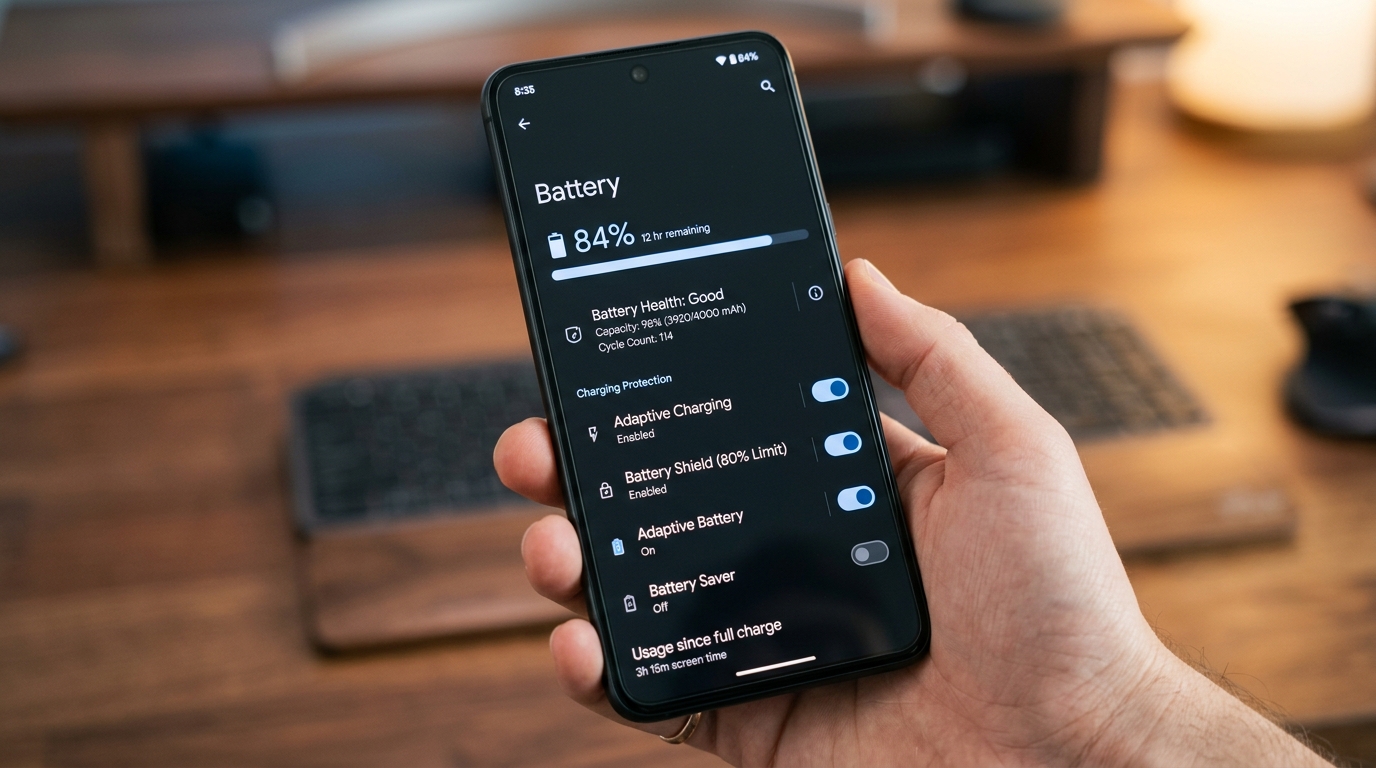
Android 16 battery health settings menu and charging protection toggles
Best practices to extend battery lifespan
- Avoid deep discharges below 15%: Frequent top-ups between 20% and 80% cause far less mechanical and chemical strain than letting the battery drop to 0%.
- Manage heat during fast charging: When gaming or using intensive GPS navigation, consider switching to standard charging speeds to prevent thermal build-up.
- Restrict rogue background processes: Use Android’s background limits to set power-hungry applications to Restricted mode.
Image credits
- Photography and editorial assets by AndroidAtlas.
Questions and answers
What is adaptive charging in Android 16?
Adaptive charging uses on-device machine learning to learn your daily charging habits and alarms. It charges your device to 80% and holds it there, completing the final 20% right before you wake up or unplug.
Should I turn on the 80% battery limit?
Yes, especially if you spend most of your day near a charger or work at a desk. Preventing the battery from staying at high voltages (above 80%) significantly reduces chemical wear and extends battery lifespan.
Where can I check battery health and cycle count on Android?
In Android 16, navigate to Settings > Battery > Battery Health to view estimated maximum capacity and total completed charge cycles.