Tips to improve your Android smartphone performance
Improve your smartphone performance in 5 simple steps
In the world of technological advancement, Android smartphones have become an essential part of our daily lives. However, sometimes we notice how their performance is affected by constant use and the accumulation of unnecessary files and applications. In this article, we offer some practical tips to improve your Android device performance.
-
Clean up storage: One of the main causes of slow performance on Android is the accumulation of junk files and unnecessary applications. We recommend using apps like Phone Cleaner or CCleaner to delete temporary files, cache, and uninstall applications you no longer use.
-
Keep your operating system updated: Keeping your Android smartphone updated is key to enjoying better performance and greater security. Make sure to install the software updates offered by your device manufacturer.
-
Optimize battery life: A crucial aspect of any smartphone performance is battery life. To maximize it, you can disable wireless connections and reduce screen brightness when not needed. Additionally, apps like Greenify or AccuBattery can help identify and close apps that consume too much energy in the background.
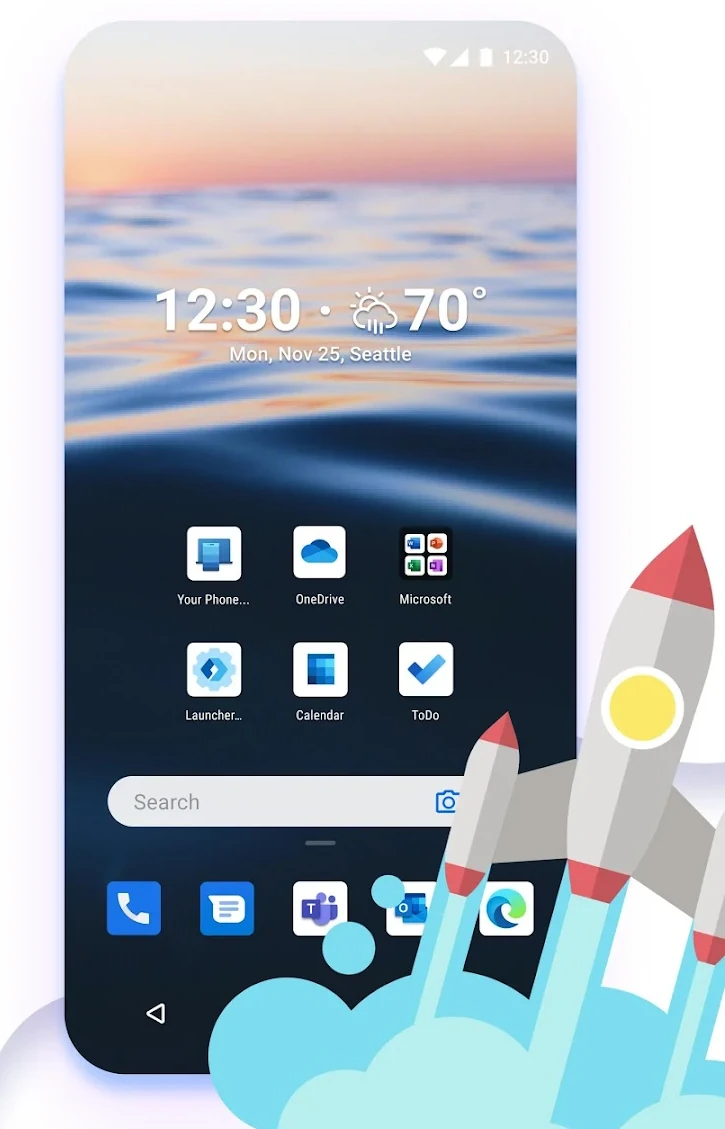
Microsoft Launcher
-
Use a lightweight launcher: Launchers can customize and improve the appearance of your phone, but some can slow down performance. Opt for lightweight launchers like Nova Launcher or Microsoft Launcher that offer a fast and smooth experience.
-
Control background applications: Many apps run in the background consuming resources and RAM, which can affect overall device performance. Use the app management function in your Android smartphone settings to control which apps start automatically and close those you do not need.
By following these tips, you can give your Android smartphone a boost, improving its performance and enjoying a faster and smoother daily experience. If you liked this post, do not forget to visit the AndroidAtlas blog to not miss any Android news.