Threads: the new Meta app
Would you like to be more connected with your closest friends?
If so, you will love the new app that Meta has just launched: Threads.
Threads is a messaging app that lets you share photos, videos, messages, and statuses with the people on your Instagram Close Friends list. Threads is a fast and fun way to keep up with what your friends are doing and express how you feel. In this article, we tell you everything you need to know about Threads and how you can start using it today.
What is Threads and how does it work?
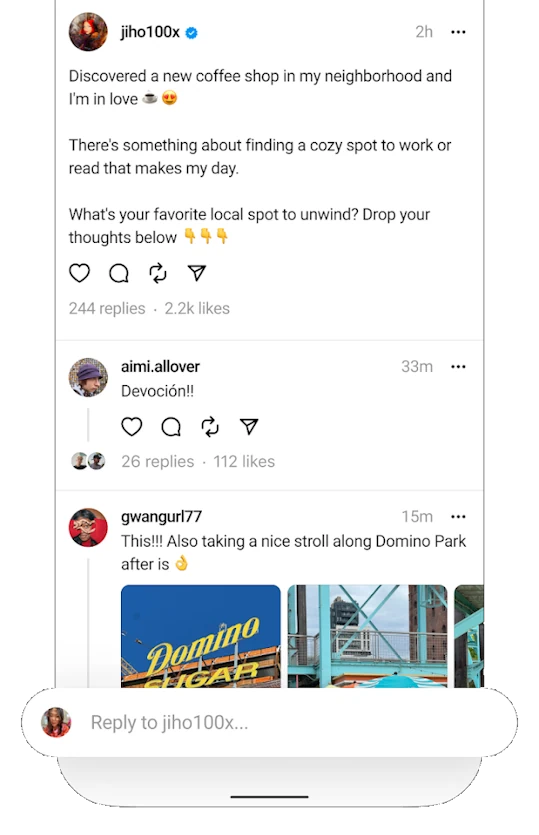
Threads is a standalone app from Instagram, but it is linked to your account and your Close Friends list. You can create your own Close Friends list on Instagram or use the one you already have. Threads lets you send private messages to these people, as well as share photos and videos with fun filters and effects. You can also create a custom status to show your friends how you feel or what you are doing at any moment. Threads has a feature called Auto Status, which updates your status automatically based on your location, movement, or battery level. For example, if you are at the gym, Threads can set your status to “Sweating”. If you are driving, it can set “On the move”. If you have low battery, it can set “Low energy”. You can turn this feature on or off at any time and choose what information you want to share with your friends.
Why use Threads?

Threads is an app designed for people who want to be closer to their closest friends. With Threads, you can have more fluid and spontaneous conversations with your best friends, without having to open Instagram or worry about who sees your posts. Threads gives you more control over your privacy and lets you customize your communication experience. Additionally, Threads is a fun and creative app that offers many options to express yourself and show your personality. You can use filters, stickers, emojis, text, and drawings to make your photos and videos more original and fun. You can also use your phone front or rear camera to take selfies or capture what you see around you.
How to download and use Threads?
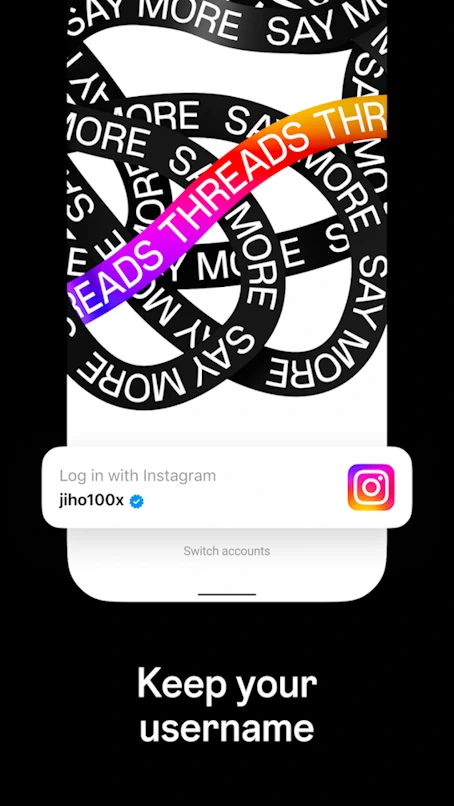
To download Threads, simply go to your Android device app store and search for “Threads from Instagram”. Once installed, you will need to log in with your Instagram account and accept the necessary permissions. After that, you will be able to see your Close Friends list and start sending them messages.
Threads is an app that offers a new and fun way to communicate with your best friends. If you want to try it, do not wait any longer and download it now on your Android device from Google Play.
And if you want to know more about Threads and other Android news, do not miss our AndroidAtlas blog, where you will find all the information you need.