How to use your Android smartphone as a travel map
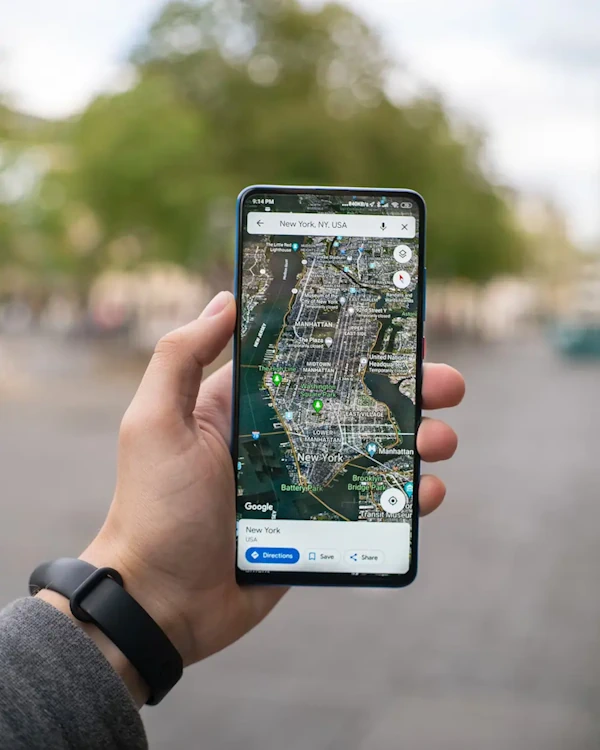
Google Maps
Are you planning a trip and want to have a map of the area on your Android smartphone? Do not worry, there are several apps available that allow you to have offline maps, which means you can use them even when you do not have internet access. In this article, we present the best offline map apps for Android, so you can explore and navigate anywhere without losing your way.
Google Maps: The essential classic
Without a doubt, Google Maps is one of the most popular and complete map applications available for Android. It comes pre-installed on most devices and offers a great number of useful features. One of these features is the ability to download maps and use them without an internet connection.
To download a map in Google Maps, simply open the app and search for the area you want to download. Once you find the area, tap the side menu and select the “Download offline map” option. Google Maps will let you download the map of the selected area and you can access it anytime, even without an internet connection.
Waze: Social navigation and offline use
Waze is another very popular map application, especially among drivers. Although it does not allow downloading offline maps like Google Maps, Waze can be used without an internet connection if you have previously added the places you will visit to your favorites. This means you can access navigation and traffic information without needing to be connected.
To use Waze offline, simply add the places you plan to visit to your favorites before starting your trip. This way, you can access navigation information even when you do not have internet access.
Maps.ME: Detailed offline maps
Maps.ME is another excellent option for having offline maps on your Android smartphone. This app offers maps based on OpenStreetMap, meaning you will have access to a large database of detailed maps from around the world.
One of the standout features of Maps.ME is its casual yet functional design. In addition to offering traffic information and major attractions, it also lets you save and organize your favorite places. Downloaded maps are stored on your device memory, allowing you to access them without an internet connection.
Here WeGo: Detailed maps and precise routes
Here WeGo is a map application that offers detailed maps and precise routes in over one hundred countries. Originally known as Nokia Maps, it currently belongs to a group formed by Audi, BMW, and Daimler.
One of the advantages of Here WeGo is that you can download complete maps of cities or specific countries to use offline. This will allow you to navigate and explore anywhere without worrying about the lack of connection.
TomTom Navigation: Updated maps and speed cameras
TomTom is a recognized brand in the GPS navigation systems field, and its Android app offers complete and updated maps. With TomTom Navigation, you will have access to precise routes, traffic information, and speed camera alerts.
The app allows you to download maps of over 150 countries, meaning you can use maps without an internet connection. Additionally, you can save downloaded maps on your device memory card to save internal storage space.
Citymapper: Public transport information
If you are looking for public transport information at your destination, Citymapper is the perfect app. In addition to offering detailed public transport information, this app also allows you to access information without an internet connection.
Citymapper lets you save maps and public transport information on your device to access them when you do not have an internet connection. This is especially useful when traveling on the subway or other means of transport where internet connection may be limited.
OsmAnd: Collaborative maps and navigation
OsmAnd is a map application based on OpenStreetMaps that offers access to a wide variety of information and features. With OsmAnd, you can access Wikipedia links, speed limit information, traffic, routes, vector maps, points of interest, and much more.
One of the standout features of OsmAnd is its collaborative and free approach. The app has an extensive collection of plugins that allow you to customize and expand its functions. OsmAnd also offers the option to download maps for offline use.
Conclusions
If you are planning a trip and want to have a map of the area on your Android smartphone, do not hesitate to download an offline map application. With these apps, you can explore and navigate anywhere without worrying about the lack of internet connection. From Google Maps and Waze to Maps.ME and OsmAnd, there is a wide variety of options available to meet your navigation needs during your trips.
Remember that the choice of the best offline map app will depend on your preferences and specific needs. Try different apps and discover which one best suits your travel requirements. Happy navigating!