Animal Crossing on Android: you can play it natively now (2026 guide)
Animal Crossing on Android: the native port is installable now
Animal Crossing: New Horizons already runs on Android without an emulator. ACNHRecomp, the project that statically recompiles the Switch game into native code, now ships its phone app: a few-megabyte runtime that runs the game directly on the phone’s hardware. No emulation layer, no ROM, no virtual Switch: the game is compiled on your computer and the phone starts it like any other app.
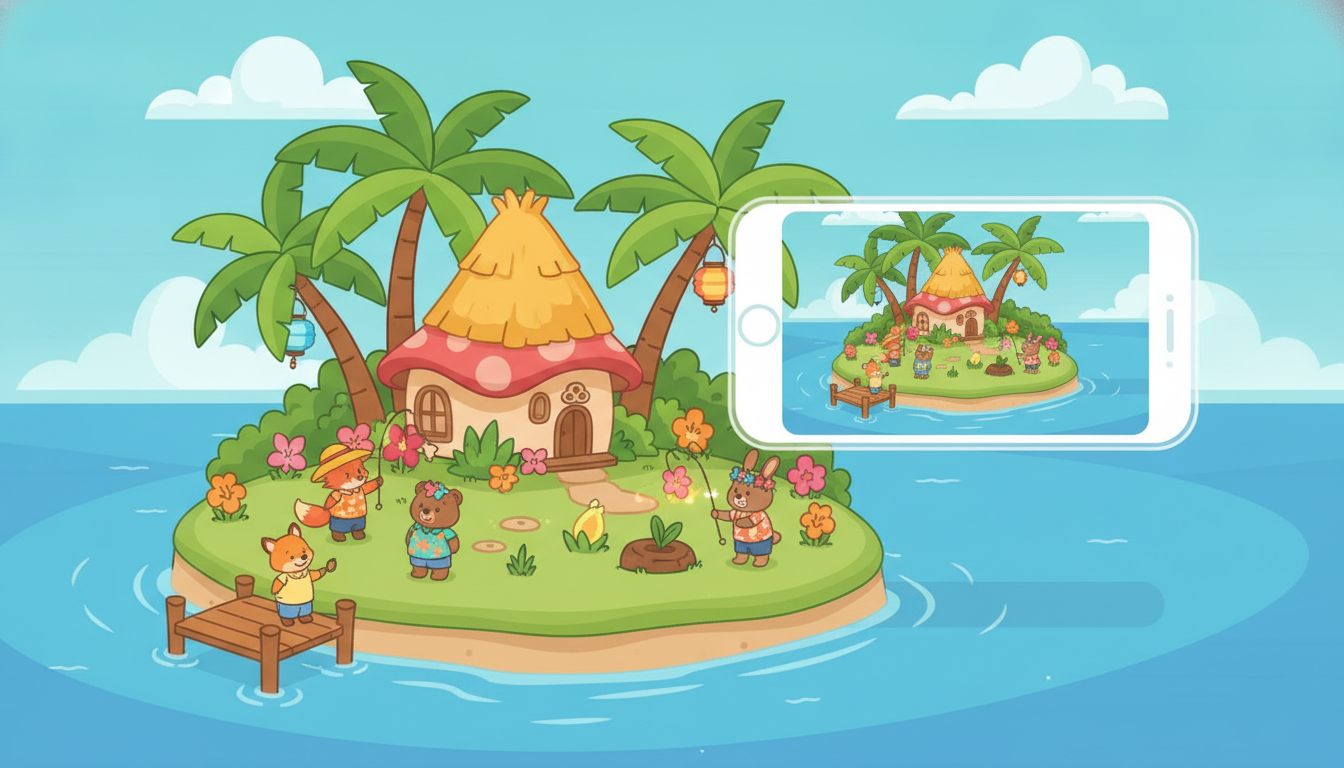
Animal Crossing now runs natively on Android
What ACNHRecomp is (and why it is not an emulator)
Emulators imitate the Switch in software, with the CPU and battery cost that implies. ACNHRecomp does something else: it statically recompiles the game’s code (about 19 million AArch64 instructions) into C++, which is then compiled for each device. The Switch’s NVN graphics API is translated to Vulkan, and Maxwell shaders to SPIR-V with Ryujinx’s translator.
The result runs directly on the hardware, with no instruction translation at runtime. On PC that allows up to 4K, ultrawide and FSR; on Android the resolution adapts to the phone’s screen.
What you need to play it on a phone
| Requirement | Detail |
|---|---|
| Chip | Snapdragon with an Adreno 6xx GPU or newer |
| OS | Android 10 or later |
| Free space | About 11 GB on internal storage or microSD |
| App | ACNHRecomp APK, from the GitHub releases |
| Game | Your copy of New Horizons (3.0.2 recommended; 3.0.3, 2.0.7 and 1.0.0 also supported) |
| Computer | Windows, macOS or Linux with ACNHRecomp-Importer |
Two things to keep in mind: the app contains nothing of the game (only the runtime), and the game folder must come from ACNHRecomp-Importer, a separate tool distributed through the project’s Discord that turns your NSP or XCI plus your keys into a folder the phone can use. Dumps made with other tools are rejected.
How to install it step by step
- Prepare the game on your computer with ACNHRecomp-Importer. For Android, the resulting folder includes the phone-compiled code in
game/android-arm64/. - Copy the folder to the phone over USB or to the microSD card (for example, into a folder named
ACNH). It is about 10 GB. - Install the APK
ACNHRecomp-<version>-android.apkfrom the releases and open ACNH Recomp. - Pick the game folder with Choose the game folder. The first time, Android asks for access to all files so the app can read a folder outside its own storage.
- Wait for the first start: it takes a minute or two because shaders are prepared once. After that it starts right away.
If you prefer doing everything from the PC, the project includes tools/android_install.sh --save, which builds, installs and pushes the folder over ADB, and resumes if the copy is interrupted.
How it runs on a real phone
The project’s published numbers come from a Galaxy S20 FE (Snapdragon 865, Adreno 650), walking around the island:
- A steady 30 fps at 900 rendered rows, upscaled with AMD FSR 1 to the full screen (2400×1080, 20:9).
- 7 hitches over 20 minutes, none with sustained drops below 30 fps.
- Battery at 40.3 °C and CPU at 72-78 °C after 20 minutes.
- In daylight, with the sun’s shadows, it drops to 26-28 fps.
- Frame generation is optional: it shows 60 on screen but uses more GPU, runs warmer and causes more hitches.
On Samsung phones there is an important catch: the system caps the GPU (441 of 587 MHz on that S20 FE) and the game sits at around 25 fps. Only a rooted phone can lift that cap from the app’s settings (Clock control), which restores it when the game ends.
Controls: touch or controller
Without a controller, the screen is split like this: the left half works as the stick, A, B, X and Y at the bottom right, L/ZL and R/ZR in the top corners, − and + at the top centre with the settings gear between them, and a small d-pad at the bottom left. Connect a Bluetooth or USB controller and the touch controls hide themselves.
Limits and fine print
- No Nintendo online: the game never contacts Nintendo’s servers. For Dodo Codes and visits you use Nextendo Online or local play between devices.
- The first save has not been verified end to end. The project warns about it: keep backups and do not trust a long playthrough yet.
- Some villagers (birds) may render with part of their head black.
- At 60 fps, the balloon mini-game can crash the game: switch to 30 fps for those challenges.
- The first launch takes a while preparing shaders; that is normal.
Is it worth it in 2026?
If you have a recent Snapdragon and your own copy of the game, this is the cleanest way to play New Horizons on a phone: less battery and more performance than emulating, without depending on an emulator that may disappear. If your phone is MediaTek or Mali, the project falls back to the system driver and results are not guaranteed.
Before you jump in, check whether your phone can handle demanding games with our Android game performance settings and, if you are thinking of upgrading, the Android phone buying guide for 2026. And if you notice stutters, look at Android Game Booster before touching the port’s settings.