Google Play Store: Your guide to finding and managing Android apps
Google Play Store: Your guide to finding and managing Android apps
Google Play Store is Android’s official app marketplace. It’s where you find, install, and manage everything your phone needs. Here’s what matters.
Google Play Store on Android
Finding apps
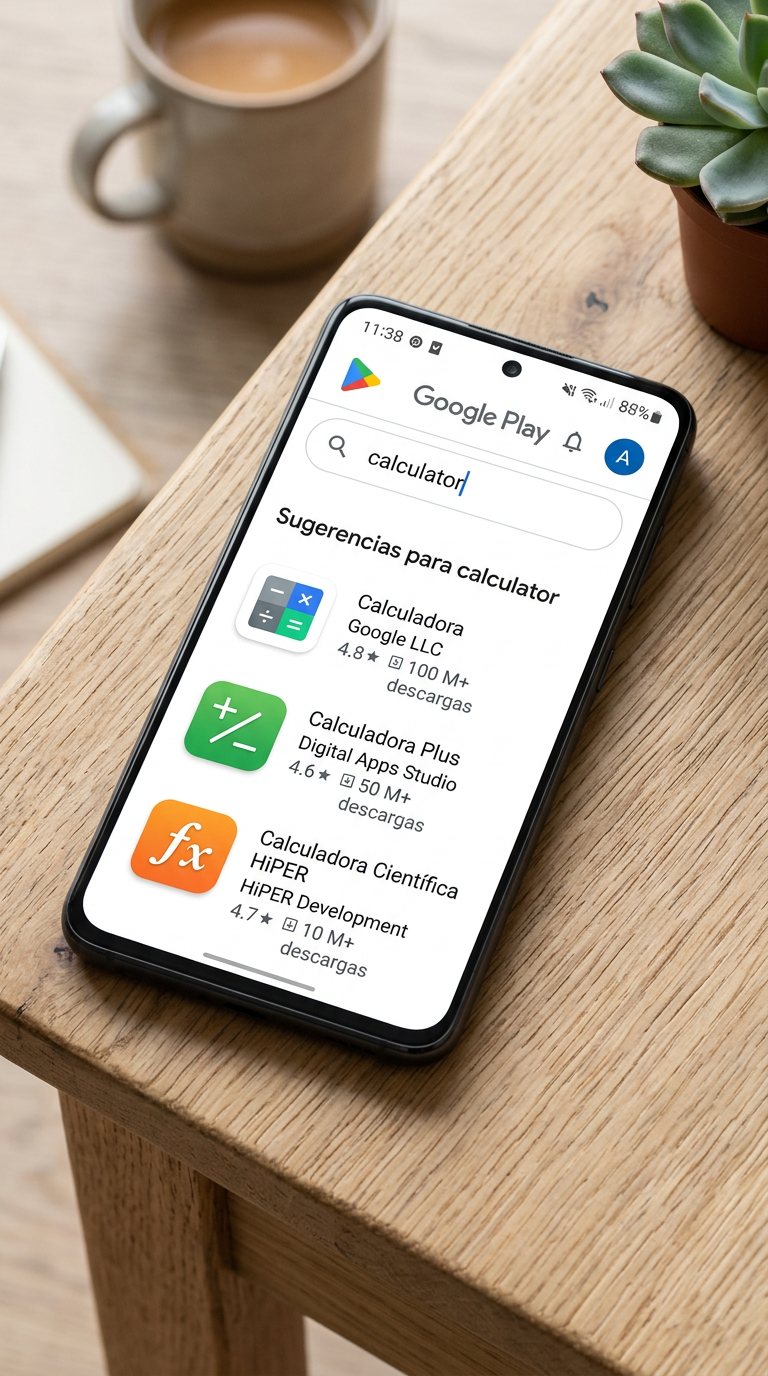
Use the search bar if you know what you want, or browse Categories (Games, Productivity, Social, Health, etc.) to explore. Google Play also shows personalized picks on the For you tab based on what you’ve downloaded before.
Check before you install
Reviews matter more than ratings. A 4.5-star app with thousands of reviews is more reliable than a 5-star app with 3 reviews. Read recent comments for real problems—not fake hype. Check Permissions too: if a calculator asks for your contacts, skip it.
Install and update
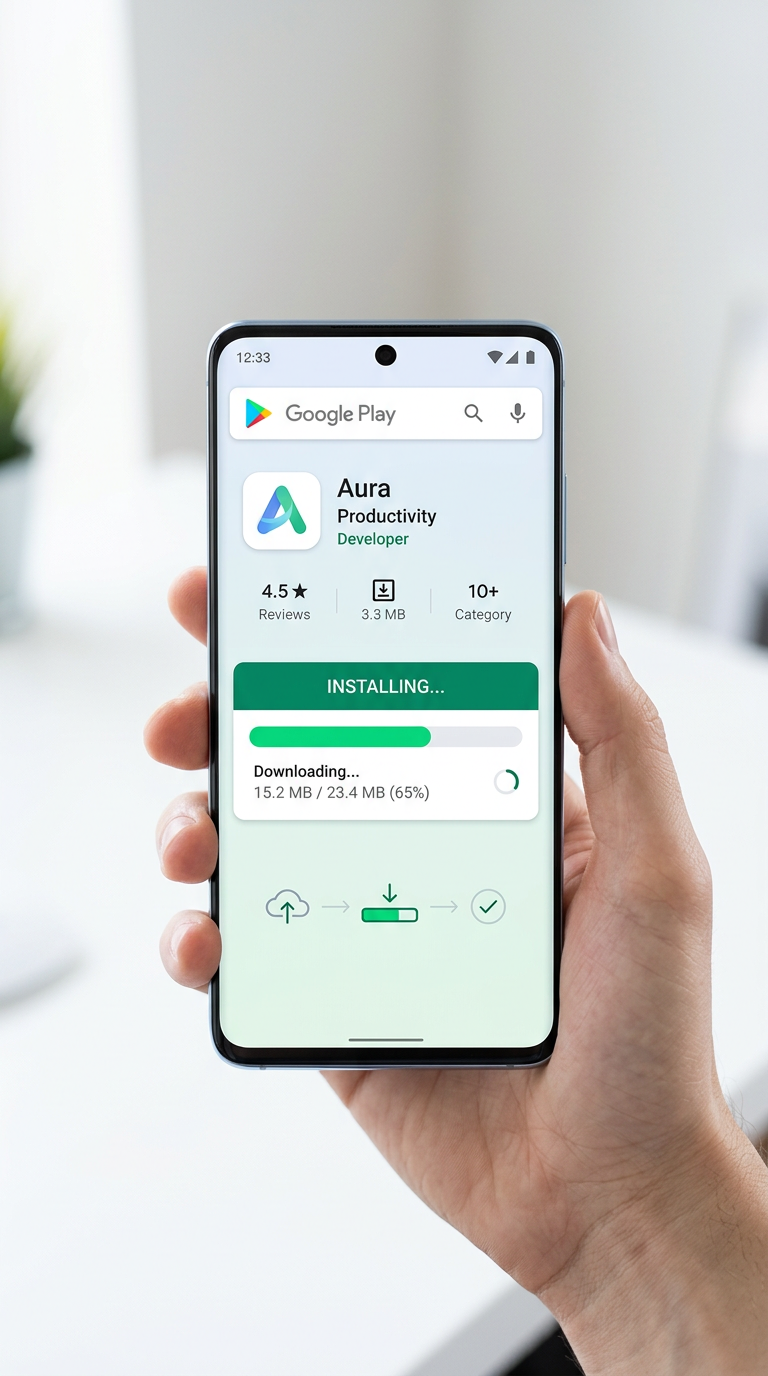
Tap Install, review the permissions, confirm. Go to your profile icon > Manage apps and device to see installed apps, check for updates, or uninstall. By default, apps update automatically over WiFi—change this in Settings > Network settings if you prefer.
Installation and Updates on Google Play
Permissions and safety
Google Play scans all apps for malware before install. Before tapping install, check what access the app wants: Does a calculator really need your contacts? Does a weather app need your camera? If the answer is no, reconsider.
Money and subscriptions
Free apps, paid apps, or free with in-app purchases—pick your style. Subscriptions (streaming, premium features) renew automatically. Review them in Payments and subscriptions > Subscriptions and cancel what you don’t use. Set spending limits for family members in Settings > Family Library.
Quick fixes
App won’t install? Free up storage, restart your phone, clear Play Store cache (Settings > Apps > Google Play Store > Storage > Clear Cache). App crashes? Update it, restart your phone, or reinstall. Can’t find it? It might not be in your region, or try the developer’s website.
Play it safe
Read reviews, check permissions, update regularly, and cancel subscriptions you don’t use. If an app isn’t on Play Store, check the developer’s website first. Avoid third-party app stores and only sideload APKs from places you trust.
For more help: Google Play Help Center | Android documentation