Best note-taking apps for Android in 2026
Best note-taking apps for Android in 2026
The best note-taking app for Android is not always the one with the longest feature list. It is the one that matches how quickly you capture ideas, how often you search old notes, and how much structure you need after the first draft.
For most people, the choice comes down to three styles: fast notes, notebook-style organization, or database-driven planning. Google Keep, Microsoft OneNote, and Notion each represent one of those approaches well.
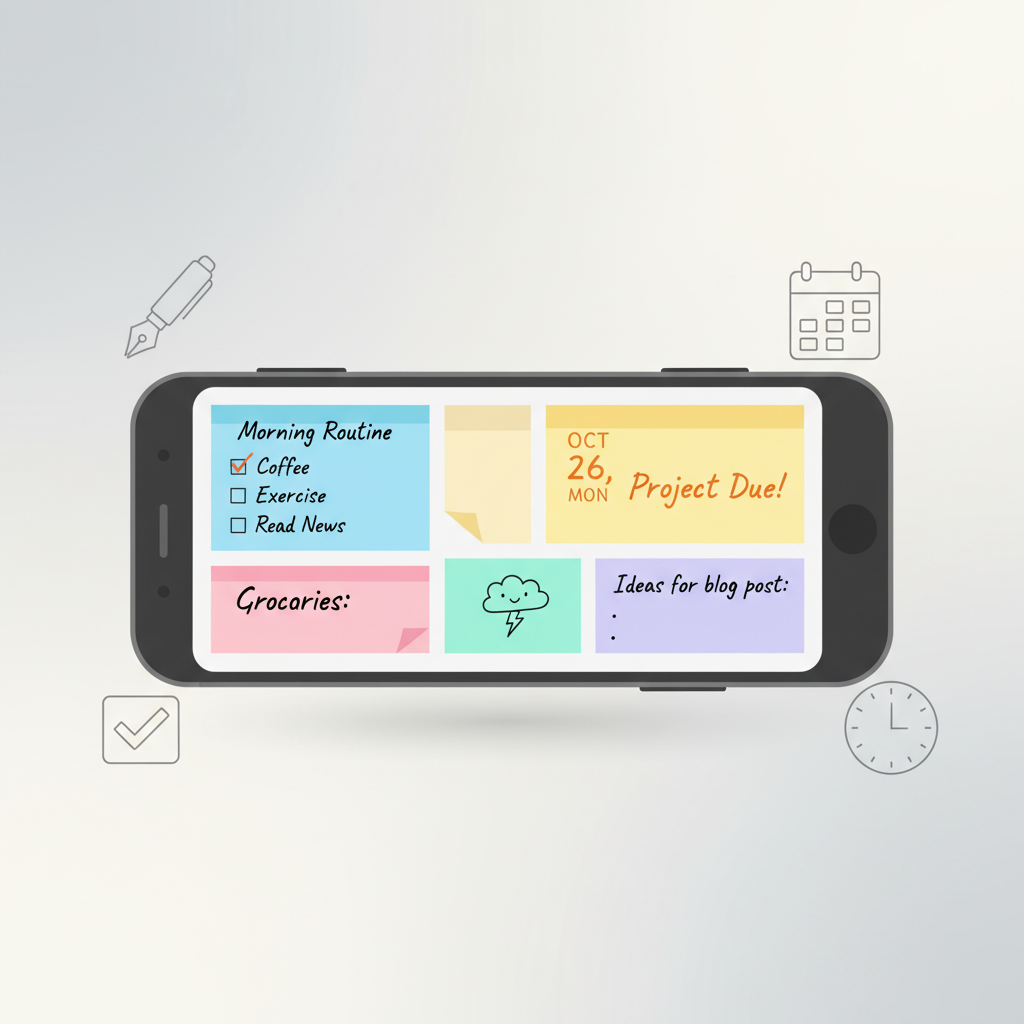
Android note-taking apps in 2026
Google Keep: fastest for everyday capture
Google Keep is ideal when speed matters more than complex structure. It works well for shopping lists, reminders, quick ideas, voice notes, images, labels, and home screen widgets.
Its biggest advantage is friction. You can create a note quickly, color-code it, pin it, share it, or find it again through search. If you already use Google services, Keep also feels natural because it stays close to Android, Wear OS, and the wider Google account experience.
The trade-off is depth. Keep is not the best place for a long research archive, a full study system, or a large work knowledge base. It is excellent as an inbox, not always as a library.
Microsoft OneNote: best for structured notebooks
Microsoft OneNote is stronger when you want notebooks, sections, pages, handwritten notes, scanned documents, and cross-device sync. It is especially useful for students, professionals, and anyone who thinks in folders and notebooks.
OneNote is also a good fit if you use Windows, Microsoft 365, or a stylus. The flexible canvas makes it easier to combine typed text, drawings, screenshots, links, and checklists in one place.
The trade-off is that OneNote can feel heavier than Keep. It is better for organizing information than for capturing a two-second idea while walking.
Notion: best for projects and databases
Notion works best when notes are part of a bigger system: projects, tasks, content calendars, travel plans, personal dashboards, or shared team spaces.
Its main strength is flexibility. A note can become a checklist, a table, a kanban board, a calendar item, or a shared document. That makes it powerful for planning, but it also means setup matters. A messy Notion workspace can become harder to maintain than a simple notes app.
Use Notion if you enjoy building systems. Use Keep or OneNote if you want less maintenance.
What to check before choosing
- Capture speed: Can you save an idea from the home screen?
- Search: Can you find old notes by title, text, label, or attachment?
- Offline use: Can you read and edit when the connection is weak?
- Export options: Can you leave the app later without losing your work?
- Widgets: Can the app show the right notes without opening it?
- Privacy: Does the app ask for permissions that match its features?
A simple setup that works
One practical workflow is to use Keep as a fast inbox and OneNote or Notion as the long-term archive. Capture first, organize later. This avoids the common problem of opening a complex workspace just to save one sentence.
If your main goal is reducing phone distraction while staying organized, combine your notes app with focus tools from our guide to digital wellbeing apps.
Final recommendation
Choose Google Keep for quick personal notes, Microsoft OneNote for study or work notebooks, and Notion for projects with databases and collaboration. The right app should make the first note easy and the hundredth note still findable.