Digital wellbeing apps grow as a response to mobile fatigue
Digital wellbeing apps grow as a response to mobile fatigue
Digital wellbeing apps are becoming more visible on Android because many users are no longer trying to use their phones more. They want to use them better. The goal is to reduce interruptions, organize routines, and regain control over screen time.
This category focuses on smart limits, focus modes, scheduled breaks, and usage summaries that are easy to understand. The trend reflects a clear concern: phones are useful, but they can also fragment the day too much.
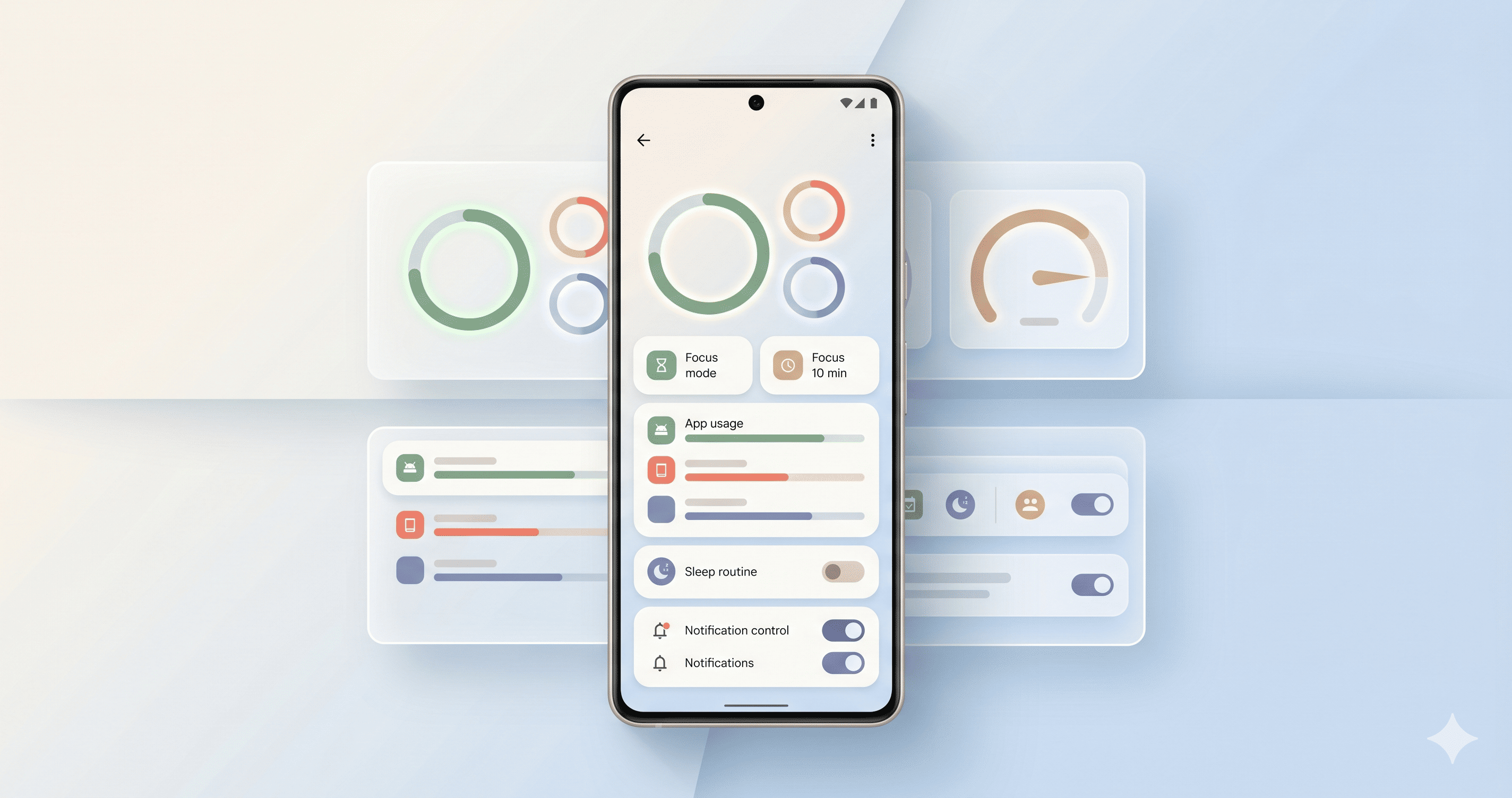
Digital wellbeing apps on Android
What these apps offer
Digital wellbeing tools do more than block apps. The best ones help users build sustainable routines. For example, they can separate work and rest hours, limit social apps by time period, or silence notifications during study, reading, or sleep.
Most requested features
- Timers by app or category
- Flexible social media blocking
- Daily and weekly usage reports
- Sleep routines without notifications
- Focus modes for work or study
Balance matters
An app that feels too strict is usually abandoned quickly. That is why the most useful approach is gradual: reduce ten or fifteen minutes a day, avoid non-urgent notifications, and protect one specific rest period.
The goal should not be to turn the phone into a problem. It should be to make it feel like a tool again.
Who should consider them
These apps are a good fit for students, professionals with heavy notification loads, people who work from their phones, and users who want to stop checking social apps automatically.
They are also useful for families that want to discuss digital limits without turning everything into a ban.
Conclusion
Digital wellbeing apps for Android answer a need that is becoming more visible: using technology with less noise and more intention. Their value is not blocking for the sake of blocking, but helping users create a routine they can actually keep.
Start with a small limit, review the weekly report, and adjust only what truly distracts you. That approach usually works better than an extreme setup on day one.
Image credit
- Image generated for AndroidAtlas.