Android privacy and security in 2026: settings you should activate now
Android privacy and security in 2026: settings you should activate now
Android security has improved every year, but 2026 raises the baseline with better threat detection, clearer permission visibility, and more reliable account recovery options. The good news is that most users can significantly reduce risk with a short setup routine.
For trusted guidance, check Google Account security tips and CISA Secure Our World.
This article focuses on practical changes you can apply today. If you want extra context, review our post on protecting Android from attacks and our guide to hidden Android functions.
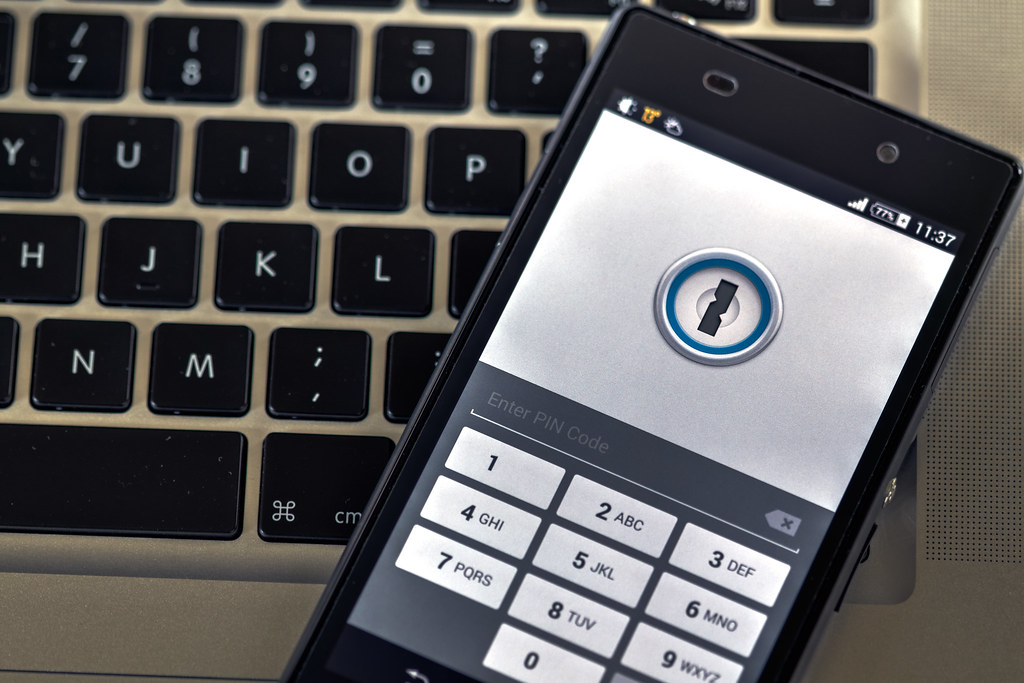
Android security settings in 2026
1. Permission controls are clearer, so review them monthly
Android 2026 makes permission history easier to read. You can now spot patterns for camera, microphone, location, and clipboard access more quickly. That visibility matters because many risky behaviors are not dramatic attacks, but silent over-collection.
Monthly checklist:
- Remove microphone access from apps that do not need it
- Keep location on “only while using” whenever possible
- Revoke camera access from rarely used apps
- Audit notification permissions to reduce social-engineering pressure
2. App installation safety is stronger, but sideloading is still risky
Play Protect and package scanning are better than before, especially for known malware families and suspicious behavior after install. Still, sideloading APKs from unknown sources remains one of the highest risk patterns.
If you must install outside Play Store:
- Verify source reputation
- Check checksum when available
- Avoid modded apps requesting excessive permissions
- Remove installer permissions after installation
Convenience is never worth giving unknown apps system-level access.
3. Account security is now central to device security
Your Google account is the control center for backups, app sync, payments, and recovery. In 2026, attackers often target accounts first, devices second. Enable:
- Two-factor authentication
- Recovery phone and email validation
- Security alerts for new sign-ins
- Passkeys where available
A secure account dramatically improves your chances of recovering from loss, theft, or credential leaks.
4. Lock screen strategy should match real-life use
Many users still rely on weak PINs for convenience. A better approach is layered access:
- Biometrics for speed
- Strong PIN as fallback
- Auto-lock with short timeout
- Sensitive notification hiding on lock screen
This configuration protects data while keeping daily access practical.
5. Network hygiene matters during travel and remote work
Public Wi-Fi remains a common attack surface. Android 2026 includes better network warnings, but user habits are decisive:
- Prefer trusted mobile data for banking and sensitive logins
- Disable automatic connection to open networks
- Forget unknown Wi-Fi networks after use
- Keep Bluetooth off when not needed in crowded places
Small networking habits prevent many avoidable incidents.
6. Backup and recovery are part of security, not an afterthought
Security is not only about preventing attacks. It is also about recovering quickly if something goes wrong. Keep automatic backup enabled for photos, contacts, app data, and key documents. Also test restore flow before an emergency happens.
Recovery essentials:
- Confirm backup is recent
- Store emergency contacts in at least two places
- Keep copies of travel or identity documents in secure cloud storage
Prepared users recover faster and with less stress.
7. Use AI features with clear privacy boundaries
Some AI tools improve productivity, but they may process sensitive context if left unrestricted. In Android 2026, set boundaries intentionally:
- Disable AI assistance in apps that handle confidential data
- Review data sharing settings after major updates
- Keep only high-value AI features enabled
Security is not anti-AI. It is pro-control.
Conclusion
Android privacy and security in 2026 are in a strong position, but default settings alone are not enough. The users who stay safest are the ones who apply small, consistent habits: permission reviews, account hardening, cautious app installs, and tested backups.
Spend one hour this week on setup, and you reduce long-term risk far more than with occasional panic checks after a headline appears.
Image credit
- “Phone security” by Ervins Strauhmanis, licensed under CC BY 2.0. Source: https://www.flickr.com/photos/76523360@N03/14365358930